Website for a Salon or Barbershop: 10 Features That Bring in Bookings
By Riri | Web Design · Miami, FL
Why your salon or barbershop needs more than a social page
Most clients choose a stylist or barber after a quick look on their phone. They check your photos, your prices, and whether they can book easily. If that information is scattered across social posts and old messages, many will move on to the next shop.
A good website for a salon or barbershop works like a front desk that never closes. It answers questions, shows your best work, and lets people book while they’re still looking at their phone.
Here are the 10 features that matter most.
1. A clear booking button
This is the most important feature on the site. Put a “Book Now” button at the top of every page, and again after your services and gallery. Link it to your booking app, a booking form, or your phone number. The fewer taps between interest and appointment, the better.
2. A simple service menu with prices
Clients want to know what you offer and what it costs before they book. List your main services (cuts, color, fades, beard trims, treatments) with starting prices and approximate times. Clear pricing builds trust and saves you from answering the same questions again and again.
3. A photo gallery of real work
Your work is your best marketing. Show clean, well-lit photos of your cuts, colors, and styles. Use real photos from your shop rather than generic stock images, and refresh them regularly so the gallery always looks current.
4. Mobile-first design
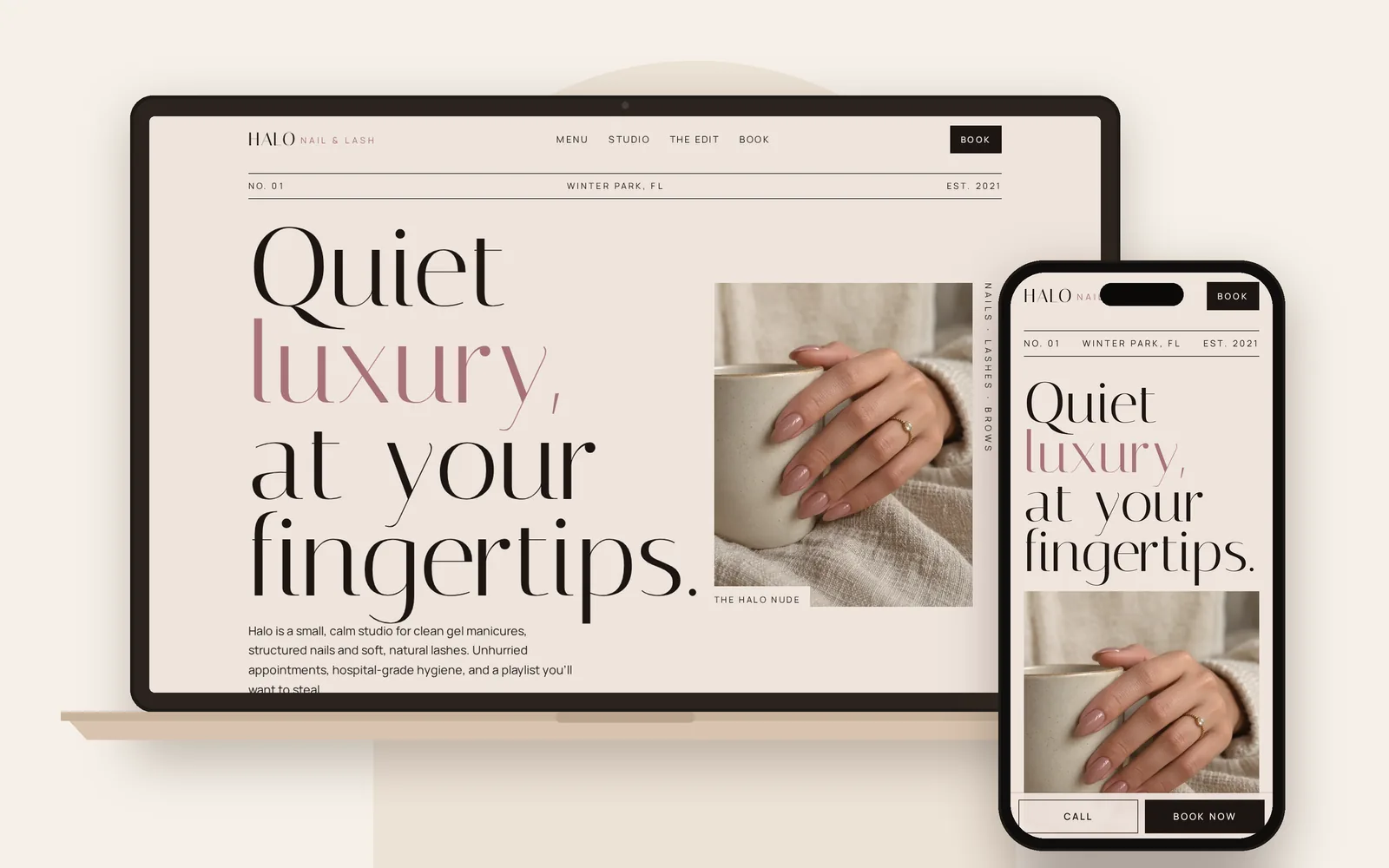
Most people will open your site on a phone. Text must be easy to read, buttons must be easy to tap, and pages must load quickly. If your site is hard to use on a phone, clients will leave before they see your work.
5. Your hours, address, and map
Include your opening hours, your address or service area, and an embedded map. Make the phone number tappable so visitors can call with one touch.
6. Meet the team
People book a person, not just a shop. Add a short section with each stylist or barber: a photo, their specialties, and a sentence about their style. It helps new clients choose who is right for them.
7. Reviews and testimonials
Show a few real reviews near your booking button. A short quote from a happy client does more than any slogan. Link to your Google reviews so people can read more, and invite new clients to leave one.
8. A short FAQ
Answer the questions clients ask most often:
- Do you take walk-ins?
- How far ahead should I book?
- What is your cancellation policy?
- Do you offer gift cards?
- Is parking available nearby?
A clear FAQ reduces messages, and it gives search engines and AI assistants content they can quote when people ask these same questions.
9. Clear page titles and descriptions for search
Each page should have a title and description that say what you do and where you are, for example “Barbershop in [your city] | [Your shop name].” This helps Google and AI tools understand your business and show it to people searching nearby.
10. Links to your social profiles and Google listing
Link to your Instagram, Facebook, TikTok, and Google Business Profile so visitors can see more of your work and read reviews. Use the same business name, phone number, and address everywhere so search engines can connect everything to one business.
Common mistakes to avoid
- No prices anywhere. Visitors assume it’s too expensive, or they leave to find a shop that’s upfront.
- A booking link that’s hard to find. If clients have to hunt for it, many won’t.
- Old or low-quality photos. Dark, blurry, or outdated images make good work look bad.
- A site that’s slow on phones. Large uncompressed images are a common cause.
- Out-of-date hours or phone number. Wrong details cost you real clients.
Frequently asked questions
Does a salon or barbershop really need a website?
A website gives you a place you own, where clients can see your work, prices, and availability and book directly. Social media helps, but it’s harder for new clients to find and use.
What should a barbershop website include?
At minimum: a booking button, services and prices, a photo gallery, your hours and location, your team, reviews, and your contact details.
How much does a salon website cost?
Costs vary by designer and features. At Riri | Web Design, websites start at $1,000, one time, and launch in 5 days to 2 weeks.
Can I see my website before paying?
With Riri | Web Design, yes. Every project starts with a free sample, so you see your site before you spend anything.
Get a website that fills your chair
I design simple, premium websites for salons, barbershops, and other local businesses worldwide. Every project starts with a free sample made around your brand, your services, and your style.
Fill out the short form at ririwebdesign.com/apply.
Riri | Web Design builds simple, premium websites for salons, barbers, restaurants, food trucks, auto shops, and bakeries worldwide. Based in Miami, Florida.